

This guide will show you how to update your Windrose server.
Click here to order your own Windrose server with Ascend Servers
1. Open and log in to your Game Control Panel.
2. Select the Steam Update option in the sidebar.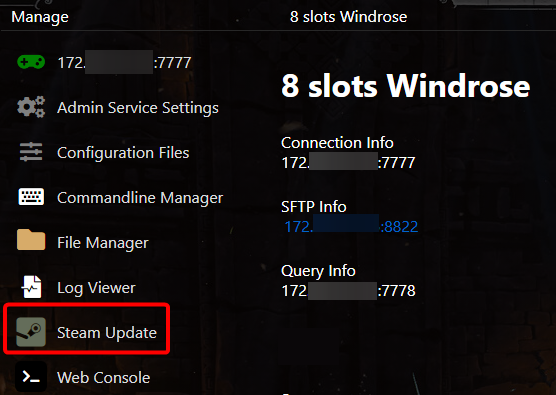
3. This will open a console that shows the progress.
Wait for it to say it's finished updating before starting the server.
Did the above information not work for you?
Please click here to contact our support via a ticket.