

This guide will help you how to join on your Hytale Server.
Click here to order your Hytale server with Ascend Servers today!
Once your Hytale server is up and running, the next step is connecting players to the world you’ve created. Joining a server is the gateway to multiplayer adventures whether you’re exploring custom maps, battling through mods, or simply hanging out with friends. For new players, the process is straightforward: you’ll need the server’s address, a valid Hytale account, and a stable internet connection. From there, the game client handles authentication and connects you directly to the server environment. Administrators can also configure access rules, ensuring that only authorized players can join. In this guide, we’ll walk through the essentials of joining a Hytale server, from locating the server details to logging in and confirming your connection. By the end, you’ll be ready to step into your community’s world and start playing together seamlessly.
Joining on your Hytale Server
1. Log in to your Game Control Panel and navigate to your service.
2. Before making any modifications, stop the server from running by clicking the Stop button.

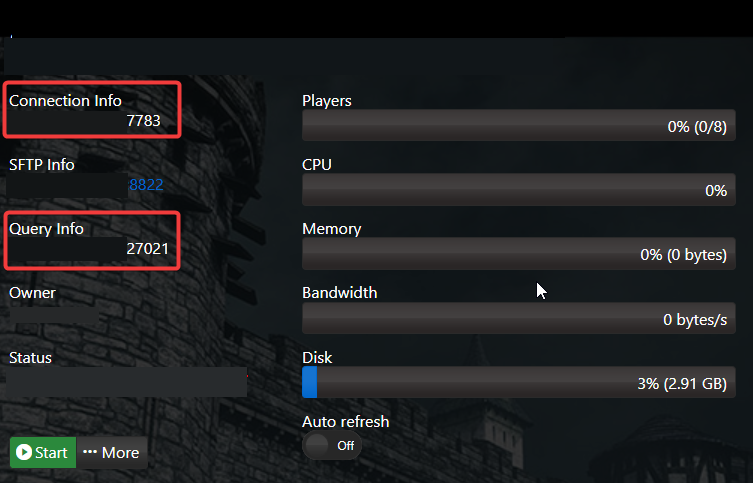
3. Copy the Connection Info/Query Port listed.
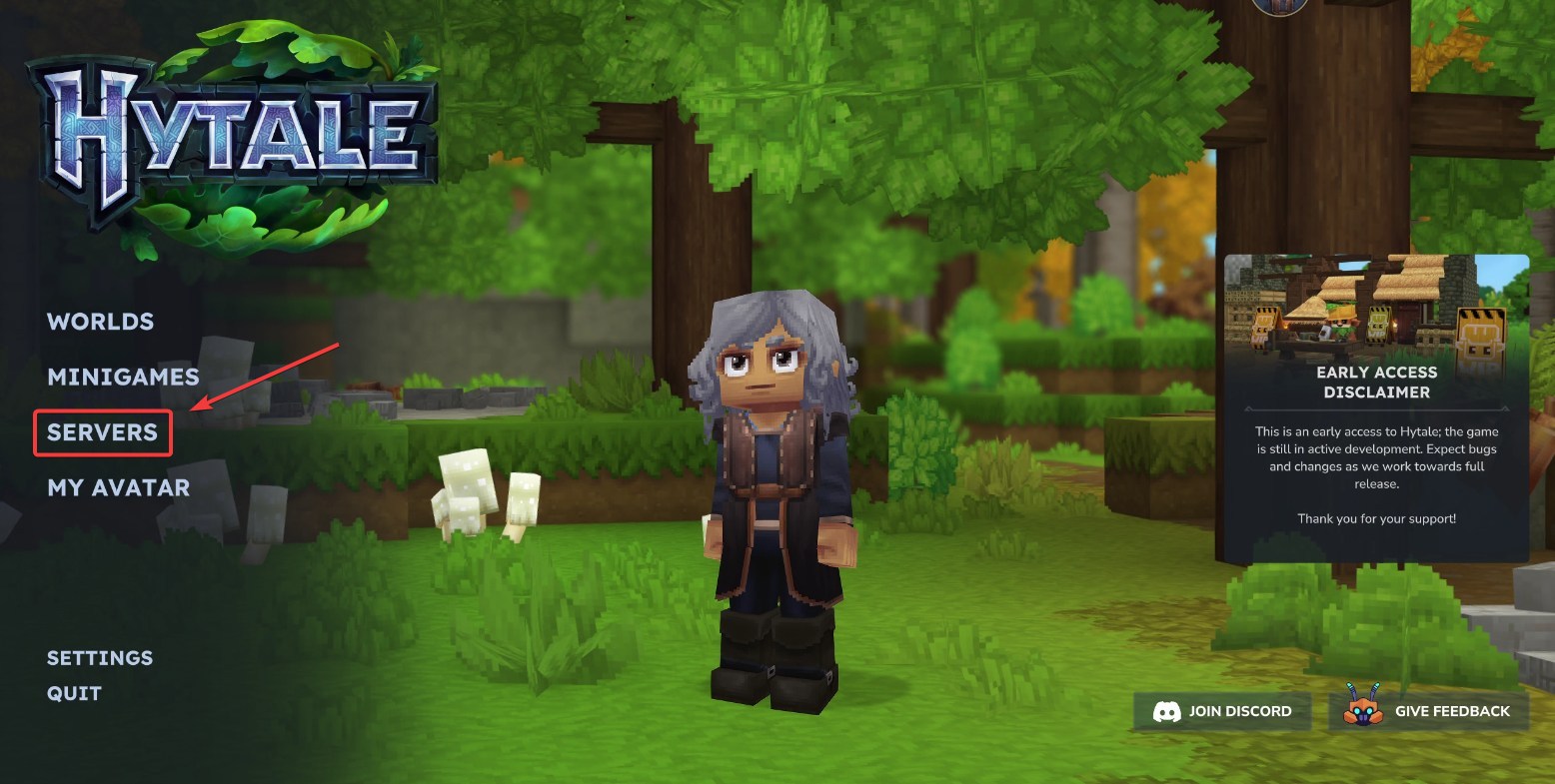
4. Launch the Hytale game client, then navigate to the Servers tab to view available server options.
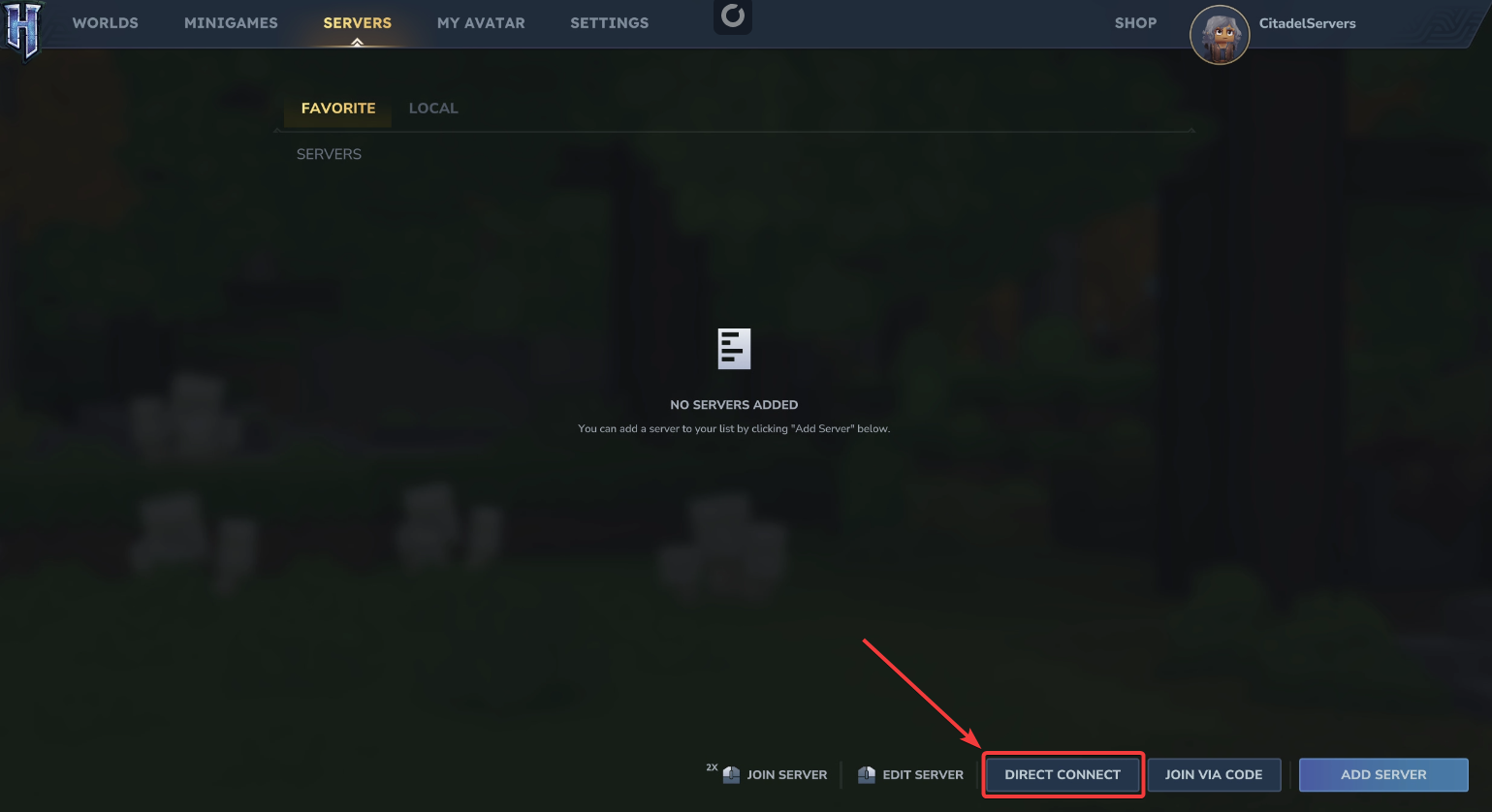
5. Select Direct Connect, then enter your Hytale server’s connection information to join.
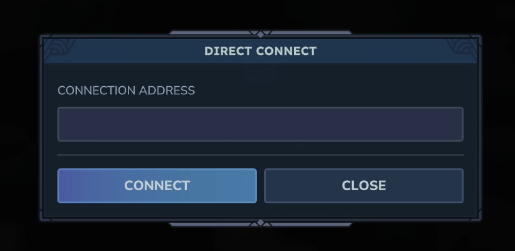
6. Click Connect to establish a connection to your Hytale server.
If you encounter any issues, please click here to reach out to our support team via a ticket for further assistance.