

This guide will help you learn how to Add Mods to your Hytale Server.
Click here to order your Hytale server with Ascend Servers today!
One of the most exciting aspects of running a Hytale server is the ability to customize and expand the gameplay experience with mods. Mods, short for modifications, are community-created add-ons that introduce new features, mechanics, items, or even entirely new worlds. By adding mods, you can transform your server into something truly unique, tailoring it to your community’s interests and keeping the gameplay fresh and engaging. In this guide, we’ll walk you through the process of installing mods on your Hytale server. You’ll learn how to prepare your server for modding, where to find reliable mods, and the steps to safely add them without disrupting performance. Whether you want to enhance visuals, introduce new adventures, or streamline server management, mastering the art of mod installation will help you build a vibrant and dynamic Hytale community.
Integrating mods into your Hytale server
1. Log in to your Game Control Panel and navigate to your service.
2. Before making any modifications, stop the server from running by clicking the Stop button.

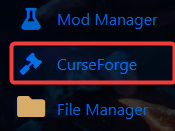
3. Navigate to the CurseForge Tab.
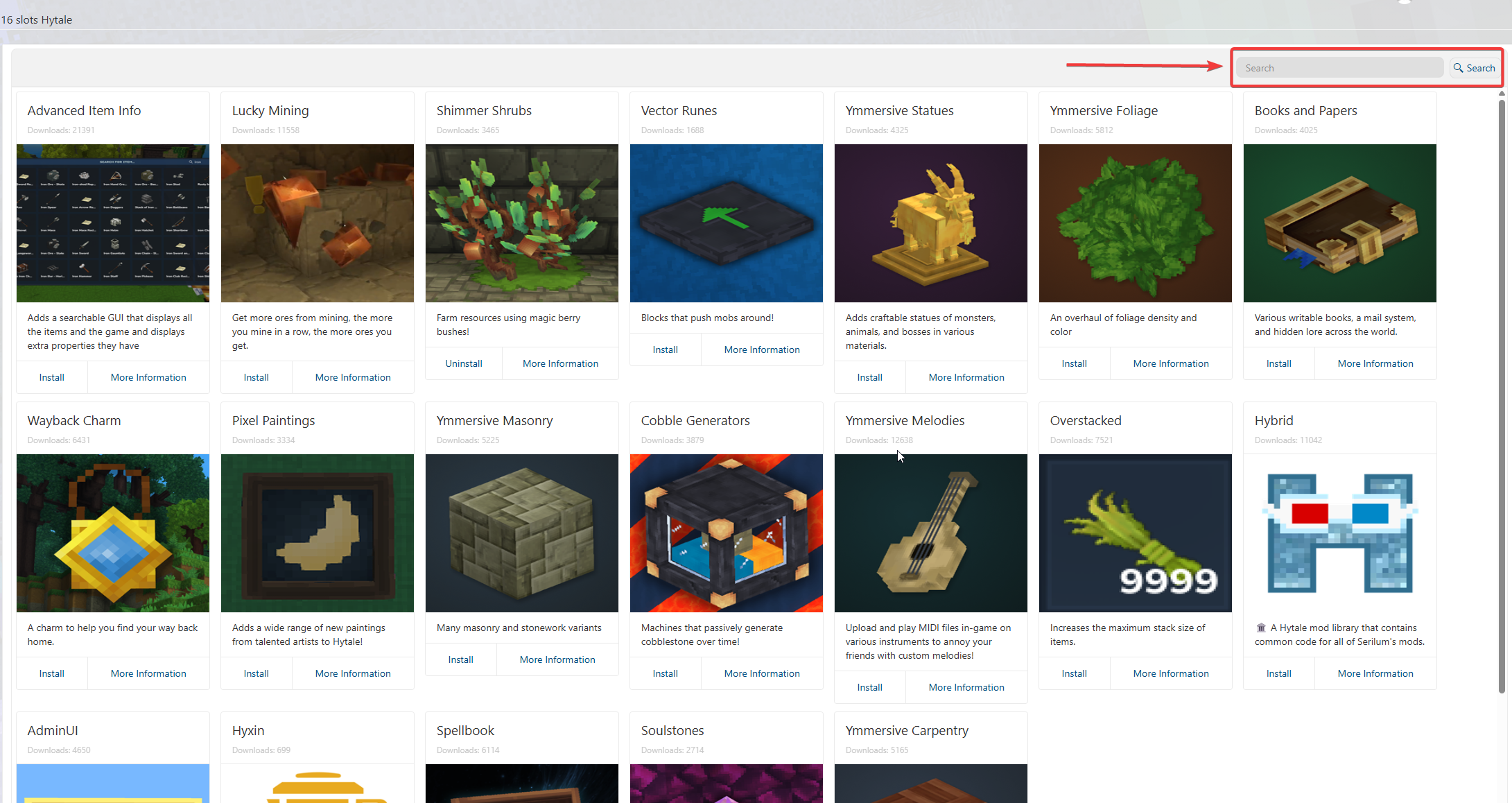
4. In the CurseForge tab, browse and install the mods of your choice.
5. After installing the mods, launch your server and join it to verify that they are loaded correctly.

If you encounter any issues, please click here to contact our support team via a ticket for further assistance.