

This guide will help you learn how to access and Join Your Hytale Server.
Click here to order your Hytale server with Ascend Servers today!
Setting up a Hytale server is only the first step; knowing how to access and join it is what brings the adventure to life. Whether you’re hosting a private world for friends or building a community hub for players, connecting correctly ensures everyone can dive in without hassle. In this guide, we’ll walk through the process of joining your Hytale server, from locating your server details to entering the right credentials. You’ll learn how to connect smoothly, troubleshoot common issues, and make sure your server is ready for gameplay. By the end, you’ll be able to invite others confidently and enjoy the world you’ve created together.
Accessing and Joining your Hytale Server
1. Log in to your Game Control Panel and navigate to your service.
2. Before making any modifications, stop the server from running by clicking the Stop button.

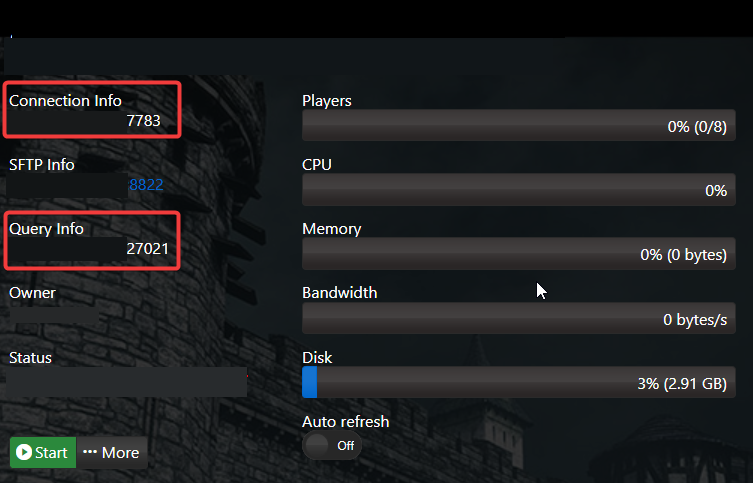
3. Copy the Connection Info/Query Port displayed. This will be required to connect to your server.
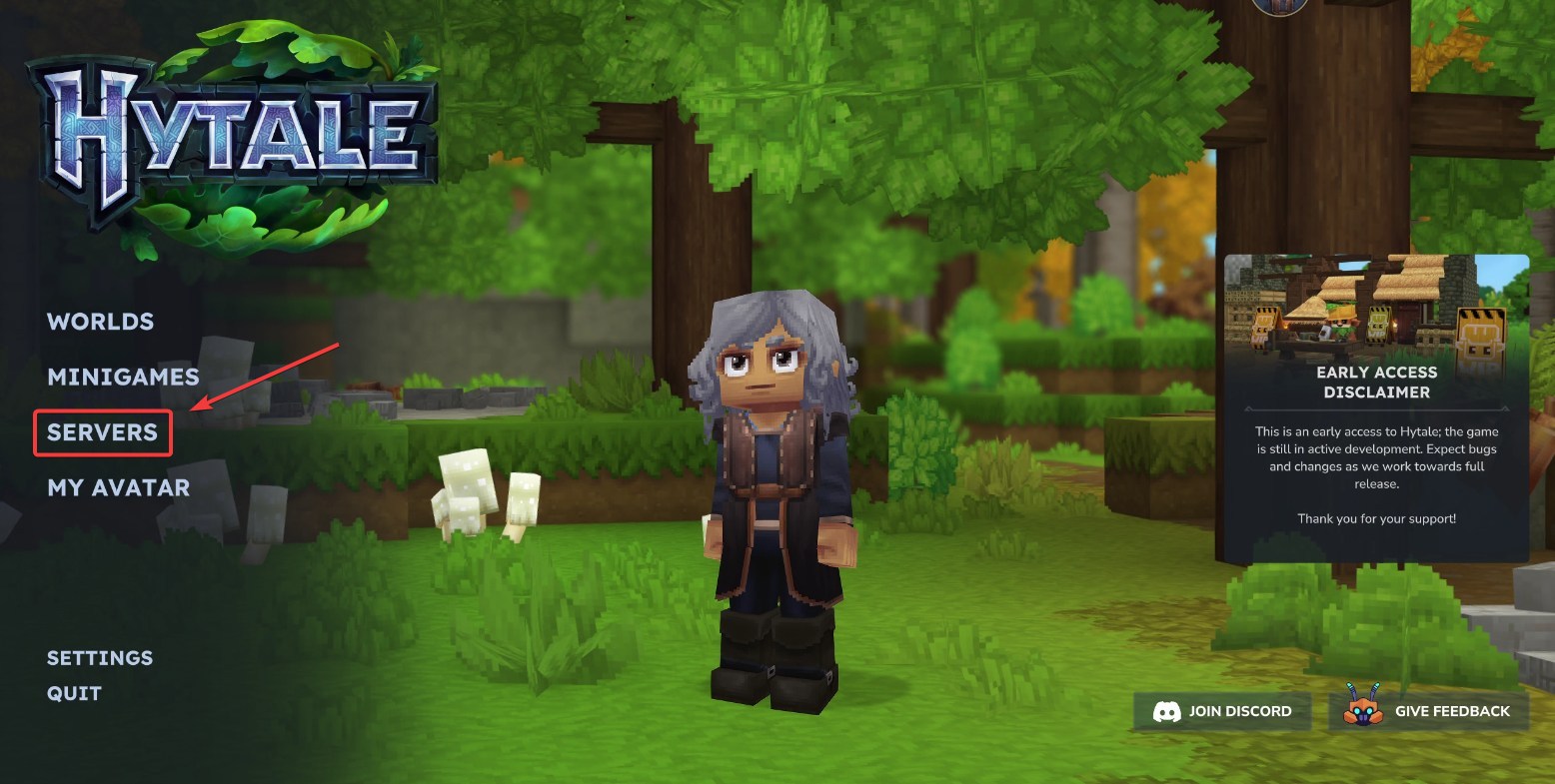
4. Open the Hytale game client, then navigate to the Servers tab.
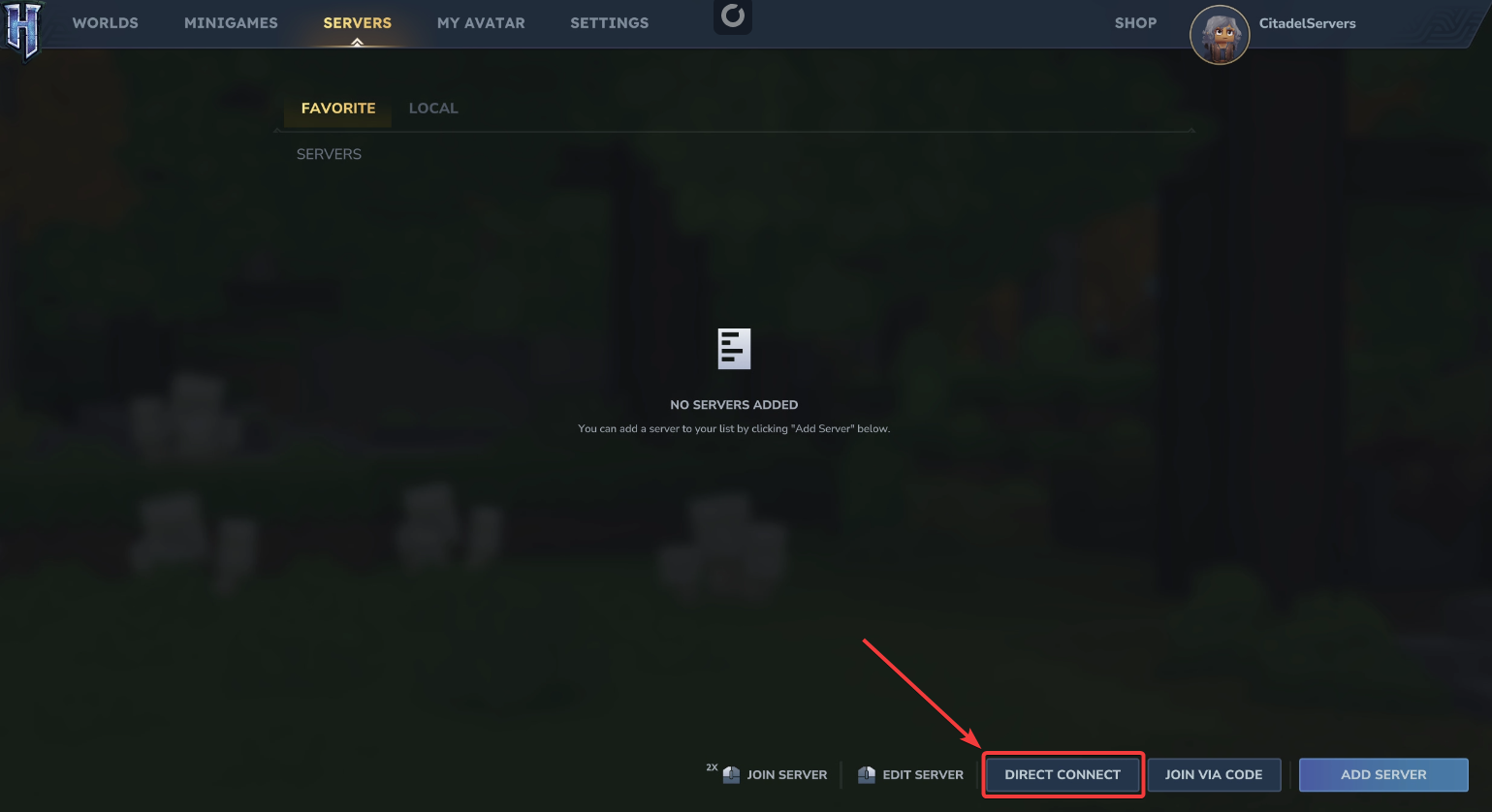
5. Click Direct Connect, then enter the Connection Info for your Hytale server.
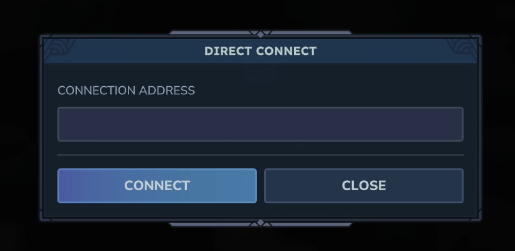
6. Click Connect to join your Hytale server.
If you encounter any issues, please click here to contact our support team via a ticket for further assistance.