

This guide will show you how to Safely Update Your Arma Reforger Server
Order Your ArmA Reforger Server Today with Ascend Servers
Keeping your Arma Reforger server updated is essential for stability, performance, and compatibility with the latest game features. This guide walks you through the safest way to update your server, covering preparation, backup steps, update methods, and post‑update checks. By following these instructions, you’ll ensure your server stays up to date without risking data loss, configuration issues, or downtime for your players.
Keeping Your Arma Reforger Server Up to Date (Steam Update)
1. Log in to your Game Control Panel, then head over to your server service.
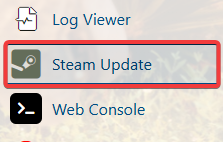
2. Navigate to the Steam Update Task section.
3. When the process window opens, wait until it finishes. The server will start automatically afterward.
1. Log in to your Game Control Panel, then head over to your server service.
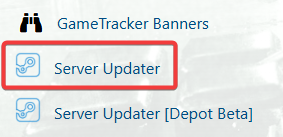
2. Navigate to the Server Updater Task section.
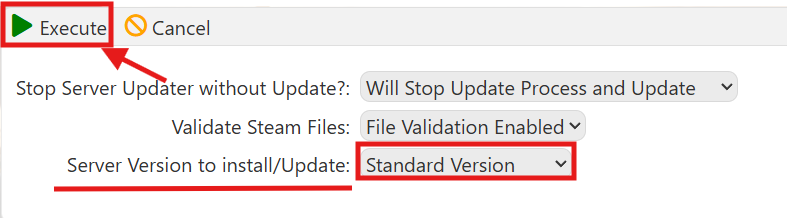
3. In the Server Updater, ensure “Standard Version” is selected, then click Execute.
4. When the process window opens, wait until it finishes. The server will start automatically afterward.
If you encounter any issues, please click here to contact our support team via a ticket for further assistance.
