

Make sure that your server isn't actually updating before anything else.
Keep in mind that you must view the server in-game or through the Steam server browser to see the right version #.
The version # that is shown in the panel is not correct because it is a reference value that has been cached.
You should force a file validation using the Steam updater if you're receiving errors like
"Update state (0x3) reconfiguring, progress: 0.00 (0 / 0)"
that keep popping up until the update process is finished.
How to force a file validation:
Log into our Game Control Panel
Go to your Game Service
Click on the 'File Manager'
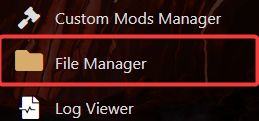
Check off and delete the "steamapps" folder.

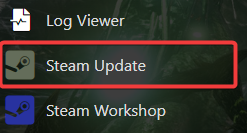
Launch the "Steam update".
Files will validate.
If you encounter any issues please click here to reach out to our support team via a ticket for further assistance.
